
How Mobile Inventory Apps Help Small Businesses Manage Stock Efficiently
Managing inventory accurately is essential for businesses of all sizes. Whether a company sells products online, operates a retail store, or manages stock across multiple locations, knowing what is available can help prevent shortages, reduce unnecessary purchases, and improve day-to-day operations.
Traditional inventory management methods often rely on spreadsheets, paper records, or desktop computers. While these methods can work for smaller operations, they may become difficult to maintain as product numbers and sales activity increase.
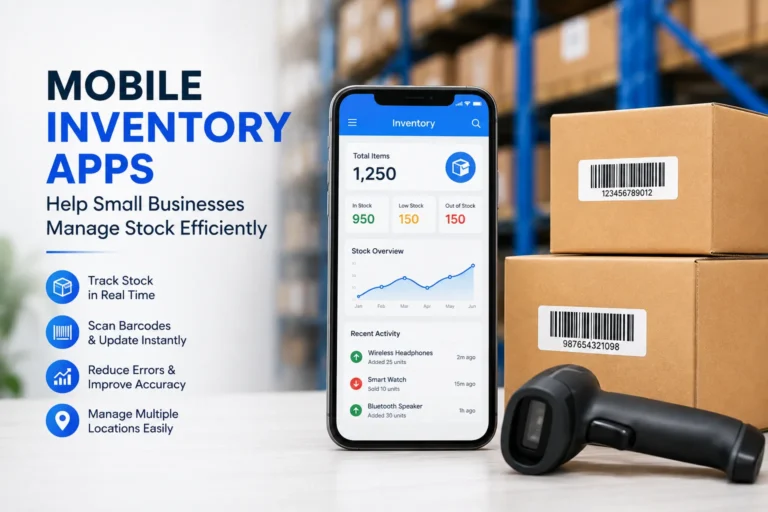
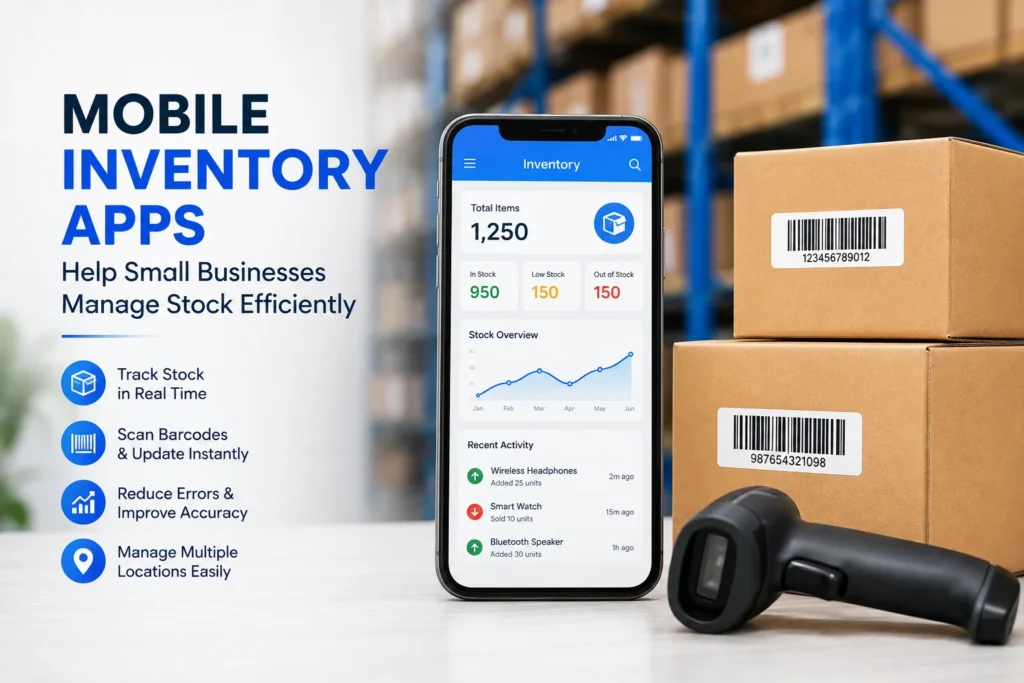
Mobile inventory apps provide another approach by allowing businesses to access and update inventory information directly from smartphones and other mobile devices.
Why Mobile Inventory Management Matters
Inventory information can change throughout the day. Products are sold, received, transferred, returned, or moved between storage areas.
When inventory records are updated manually at the end of the day, there is a greater opportunity for information to become outdated.
A mobile inventory system can make it easier for employees to update records closer to the time an inventory event occurs. This can provide businesses with a more current view of their stock.
For businesses looking for a mobile solution, Skyware Inventory can be considered when researching inventory management options for Android devices.
Benefits of Managing Inventory on a Mobile Device
Mobile inventory management offers several practical advantages.
Access From Different Locations
Employees do not always work next to a desktop computer. Stock may be stored in warehouses, retail areas, back rooms, or other locations.
A mobile device allows authorized employees to access inventory information while moving around the workplace.
Faster Stock Updates
When employees can update stock information immediately, there may be less need to record information on paper and transfer it to a computer later.
This can simplify routine inventory tasks and reduce duplicate data entry.
Easier Product Searches
Businesses with many products may spend considerable time searching for specific items.
A mobile inventory application can make it easier to locate product information, depending on the features available in the system.
This can be particularly useful when employees need to check stock while assisting customers or preparing orders.
Using Smartphones for Inventory Tasks
Modern smartphones can support many business activities beyond communication.
For inventory teams, a smartphone can become a convenient tool for checking product information, recording stock movements, and managing other inventory-related tasks.
The usefulness of a mobile inventory system depends on its features and how well those features match the company’s workflow.
Before selecting an application, businesses should identify which tasks employees need to perform from mobile devices.
Inventory Management for Small Businesses
Small businesses often manage daily operations with limited staff, time, and resources.
For these companies, complicated inventory procedures can consume valuable time. A straightforward mobile solution may help simplify routine stock management.
Instead of requiring employees to return to a specific workstation for every update, mobile inventory tools can make certain tasks more flexible.
This can be especially useful for small retailers, wholesalers, distributors, and businesses that keep stock in multiple areas.
Tracking Stock Levels
Knowing current stock levels is one of the most basic inventory requirements.
Businesses need to understand which products are available and which items may require replenishment.
Accurate stock records can help purchasing teams make better decisions. They can also reduce the risk of ordering products unnecessarily when sufficient inventory is already available.
At the same time, businesses should establish appropriate procedures for checking physical inventory because software records are only useful when employees enter accurate information.
Managing Product Information
An inventory system may contain more than just product quantities.
Depending on the software, businesses may also manage information such as:
Product names
SKU numbers
Categories
Stock quantities
Locations
Supplier information
Product descriptions
Pricing information
Inventory movements
Keeping product information organized can make routine inventory work easier.
Businesses should decide which information is essential before configuring their inventory system.
The Importance of Accurate Data
Technology cannot eliminate inventory problems if the underlying data is inaccurate.
For example, if employees forget to record a stock movement, the software may continue showing an incorrect quantity.
Businesses should therefore establish clear procedures for receiving products, selling items, processing returns, and moving inventory.
Employee training is also important. Everyone who updates inventory records should understand when and how information needs to be entered.
Using Barcodes With Mobile Inventory
Barcode scanning can make inventory tasks faster in environments where products already have standardized barcodes.
Instead of manually entering long product identifiers, employees may be able to scan an item’s barcode using a compatible device and access the corresponding product record.
This can reduce manual typing and may help improve efficiency.
However, businesses should test barcode functionality with their actual products before implementing a new system across the entire operation.
Inventory in Warehouses
Warehouse employees frequently move between shelves, storage areas, receiving zones, and shipping areas.
A mobile inventory solution can be useful in this environment because employees can potentially work with inventory information while remaining near the physical stock.
Tasks such as checking quantities, recording movements, and verifying products can become easier to organize when information is accessible from a mobile device.
The exact workflow will depend on the warehouse layout and the features supported by the selected application.
Managing Inventory Across Multiple Locations
Businesses with more than one storage location may face additional inventory challenges.
Stock can move between warehouses, stores, offices, and fulfillment centers. Without clear records, it can become difficult to determine where a particular product is located.
A centralized inventory system can help businesses organize information about different locations when the software supports this functionality.
Before choosing a system, companies should confirm that it can handle the number of locations and inventory processes they require.
Choosing an Android Inventory App
Businesses considering an Android inventory application should evaluate several factors before making a decision.
Important considerations may include:
Ease of use
Supported Android devices
Product management features
Stock tracking capabilities
Barcode support
Reporting options
User permissions
Data synchronization
Integration with existing systems
Pricing and scalability
The best application is not necessarily the one with the largest number of features. It should be the one that fits the company’s actual workflow.
Security and User Access
Inventory data can contain commercially important information, so businesses should consider security when selecting software.
User permissions can help organizations control which employees are allowed to view or modify certain information.
Businesses should also review how the application handles account security, backups, authentication, and data storage.
Security requirements may vary depending on the size and nature of the organization.
Training Employees to Use Mobile Inventory Software
Introducing new software without employee training can create unnecessary problems.
Employees should understand how to perform common tasks before the system becomes part of the daily workflow.
Training can cover areas such as:
Adding products
Updating quantities
Recording stock movements
Searching for items
Scanning barcodes
Correcting mistakes
Following inventory procedures
Short practical training sessions can often be more useful than providing employees with a large amount of technical information at once.
Reviewing Inventory Performance
After implementing a mobile inventory system, businesses should periodically review how well it is working.
Useful questions include:
Are stock records becoming more accurate?
Are employees completing updates consistently?
Has manual data entry decreased?
Are stock shortages being identified earlier?
Can employees find products more quickly?
Are inventory reports useful for decision-making?
Regular reviews can help identify areas where processes or employee training need improvement.
Final Thoughts
Mobile inventory applications can give businesses a more flexible way to manage stock information. By allowing employees to work with inventory data from smartphones and other mobile devices, these tools can simplify certain tasks and make inventory updates more convenient.
However, successful inventory management depends on more than software alone. Accurate data, clear procedures, employee training, regular stock checks, and appropriate security practices remain important.
Before choosing an Android inventory application, businesses should identify their specific requirements and compare available features carefully. A suitable mobile inventory system can then become a useful part of a broader strategy for keeping stock organized and improving operational efficiency.
✨ If this helped, imagine what’s coming next. Follow newtopy.